
Closeout is where good projects lose momentum. The framing is done, the finishes are in, and the homeowner is ready to move in — but a handful of unfinished items keep the final walkthrough from turning into the final payment. That’s the punch list problem, and it’s exactly why more general contractors are replacing sticky notes and text-message threads with dedicated punch list software.
This guide breaks down what punch list software actually does, the features worth paying attention to, and how a modern digital punch list keeps GCs, subcontractors, and homeowners on the same page from rough-in to final sign-off.
What Is a Punch List (and why they cause Closeout Delays)
A punch list is the final list of items that need to be fixed, finished, or touched up before a construction project is officially complete. It’s the last checkpoint before a homeowner takes possession and a GC collects final payment — which means everything on the punch list is time-sensitive by definition.
For most general contractors, punch lists are still handled the old-fashioned way: a walkthrough with a clipboard, a stack of photos on someone’s phone, and a group text to the subs who need to fix things. That approach breaks down fast:
- Items get missed because there’s no single, shared list — everyone is working from their own notes.
- There’s no accountability trail showing who was assigned an item, when it was fixed, or whether it was actually verified.
- Homeowners call and text asking for updates because they have no visibility into what’s left.
- Final payment gets delayed because nobody can confirm, with documentation, that every item is closed out.
None of this is a people problem — it’s a systems problem. That’s exactly the gap punch list software is built to close.
Manual Punch Lists vs. Digital Punch List Software
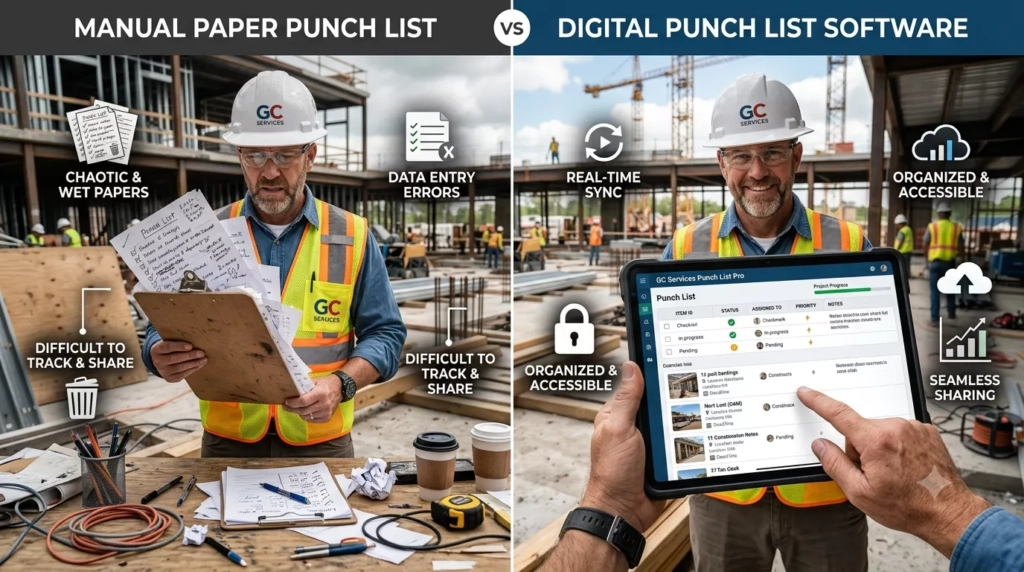
Switching from a paper-and-text process to a construction punch list app changes the entire closeout workflow, not just where the list lives. Here’s how the two approaches compare on the things that actually slow projects down:
Closeout Task | Manual Process (old way) | Digital Punch List Software |
|---|---|---|
Logging an issue | Photo on a | Photo + note logged directly into the shared project record |
Assigning the fix | Verbal or group-text request | Assigned to a specific sub with a due date and notification alert & confirmation |
Tracking status | Nobody knows what’s done until someone asks | Live status: open, in progress, completed, verified |
Homeowner visibility | Homeowner calls or texts the GC directly | Homeowner sees real-time progress in their own portal |
Final sign-off | Manual double-check before invoicing | Auto-generated closeout report tied to final payment |
The difference isn’t cosmetic. A digital punch list removes the guesswork from closeout — which is usually the single slowest, most disputed phase of any build.
Key Features to Look For in Punch List Software
Not all punch list tools are the same, and some are bolted onto broader project management platforms as an afterthought. When evaluating punch list software, prioritize these features:
- Mobile photo and video attachments — so field crews can document an issue in seconds, from any device.
- Assignment to a specific subcontractor or trade, with due dates and automatic reminders.
- Status tracking (open, in progress, completed, verified) visible to everyone on the project.
- Homeowner-facing access, so customers can view — and in some cases submit — punch list items without calling the office.
- Digital sign-off or verification, creating a documented record that an item was actually fixed and inspected.
- Integration with scheduling and invoicing, so a completed punch list can trigger the final payment workflow automatically.
A true digital punch list should feel like a natural extension of how your team already works in the field — not one more separate app fighting for attention on a crowded home screen.
How Constant Builder's Punch List Tool Works for GCs and Homeowners
Constant Builder’s punch list software is built into the same platform GCs and subs already use for scheduling, invoicing, and daily logs — so closeout data doesn’t live in a separate app.
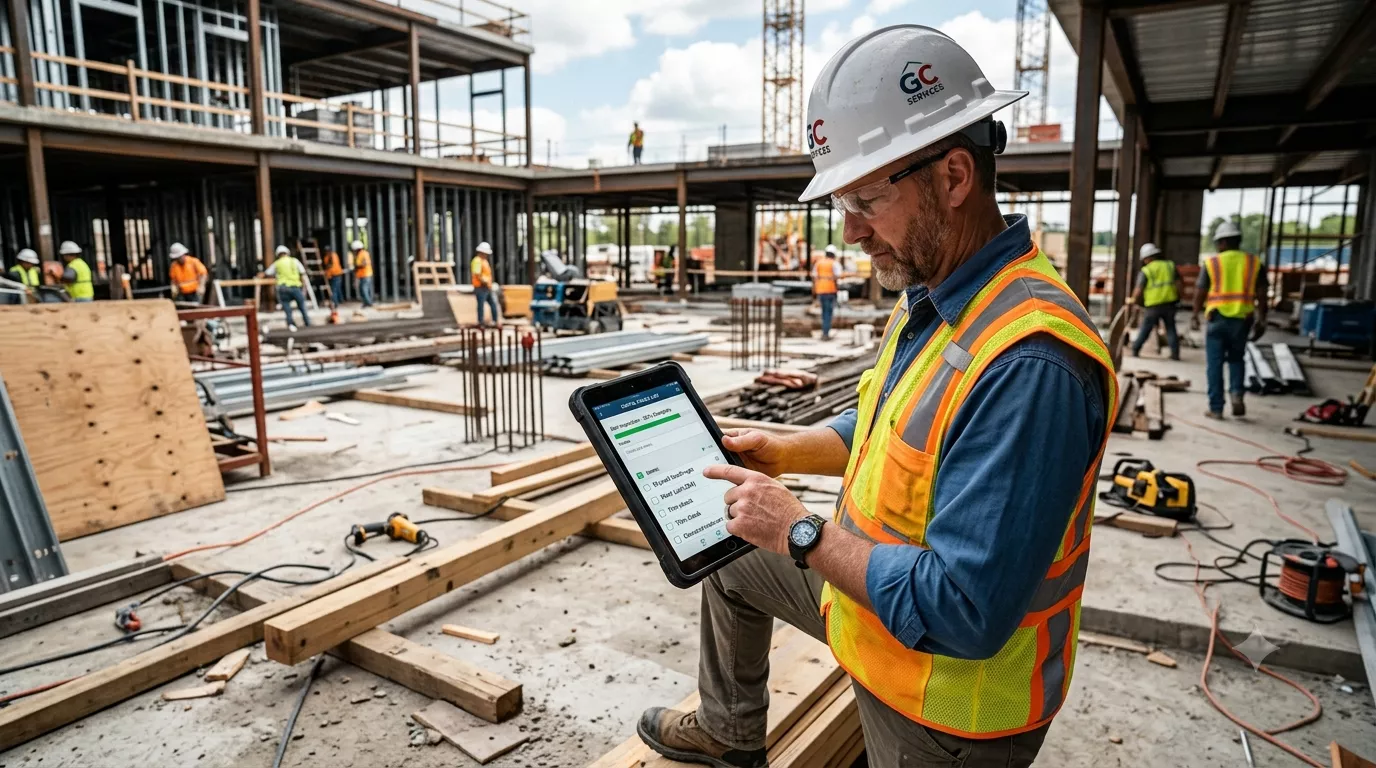
During the final walkthrough, a GC or homeowner can log an item directly from a phone: snap a photo, add a short note, and the GC can assign it to the right sub on the spot. That sub gets a notification immediately, and the item’s status updates are in real time for everyone watching the project — including the homeowner.
Because Constant Builder gives homeowners their own free app access, they can see exactly what’s left on the punch list without a phone call and add their own items directly. Once every item is marked complete and verified, the platform generates a closeout summary that ties cleanly into final invoicing — so there’s a documented record supporting final payment, not just a verbal confirmation that “everything’s done.”
The result: fewer disputed closeouts, faster final payments, and a homeowner experience that builds trust instead of frustration in the last mile of the project.
Punch List Best Practices for Faster Project Closeout
Even the best punch list software works better with a consistent process behind it. A few habits worth building into every closeout:
- Walk the site together — GC, super, and homeowner — rather than compiling separate lists that need to be reconciled later.
- Set a completion deadline for every item, not just a general “before closing” target.
- Require a photo, not just a description, for both the issue and the fix.
- Verify before invoicing — confirm every item is marked complete and, ideally, inspected before requesting final payment.
- Keep the homeowner looped in throughout the process, not just at the final walkthrough — it prevents the anxious check-in calls that eat up a GC’s day.
FAQ
Punch list software is used to log, assign, track, and verify the final list of fixes and touch-ups needed before a construction project is considered complete. It replaces paper lists, texts, and scattered photos with a single shared record everyone on the project can see.
No — residential GCs running custom homes and remodels typically deal with more frequent, smaller punch lists than commercial builders, which makes a lightweight construction punch list app just as valuable, if not more so, for small and mid-size residential contractors.
With platforms like Constant Builder, yes. Homeowners with app access can view punch list status in real time and submit their own items directly — reducing phone calls and email back-and-forth with the GC's office.
Pricing varies widely depending on whether punch list tracking is sold as a standalone add-on or bundled into a full construction management platform. Constant Builder includes punch list tracking as part of its core platform, with free access for homeowners.
No. A final, in-person walkthrough is still the best way to catch issues and confirm quality with the homeowner. Punch list software doesn't replace that walkthrough — it documents what was found, assigns who's fixing it, and proves when it's actually done.