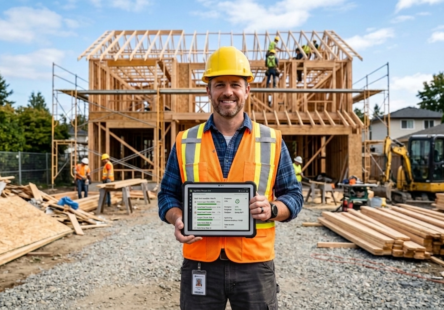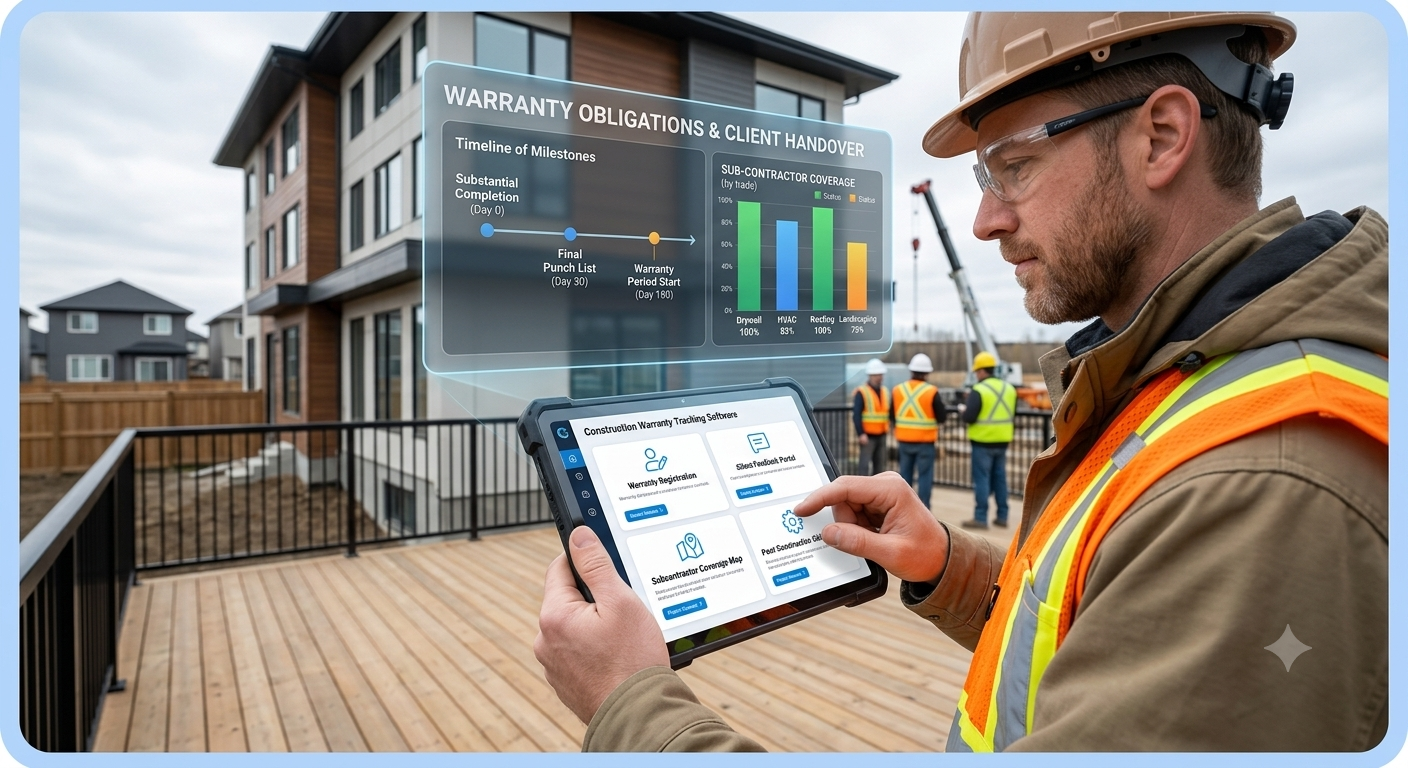

Are you losing time and money on warranty claims, missed deadlines, and frustrated homeowners after project closeout?
Most contractors treat warranty work as an afterthought, but that’s exactly where reputation, cash flow, and future referrals go up or down.
This guide shows you how construction warranty tracking software helps you manage post‑construction obligations like a true professional, while keeping your team organized, your homeowners happy, and your bid costs accurate.
Why Contractors Need Construction Warranty Tracking Software
Post‑construction doesn’t mean “done.” It means:
- Homeowners and owners are discovering issues
- Subcontractors are moving on to new jobs
- Your team is already fighting the next project
- Warranty deadlines are ticking silently
Without a system, warranty items live in:
- Old emails and texts
- Job notes and photo folders
- Word documents and spreadsheets
- Individual memories
That’s why warranty tracking software is becoming essential for serious contractors in the U.S., Texas, and Houston.
Common Problems Without a Warranty System
- Missed warranty deadlines: You forget to return for an inspection or fix before the window closes.
- Lost warranty items: Homeowners call about issues that never get logged or assigned.
- Blame cycles: You, the subs, and the owner disagree on who’s responsible.
- Cost surprises: Warranty work blows through your budget because it’s untracked.
A construction warranty management tool solves these by giving you:
- A single warranty log per project
- Clear assignments (who fixes what and when)
- Status tracking (open, in progress, completed)
- Alerts and reminders for key dates
What Is Construction Warranty Tracking Software?
Simple Definition
Construction warranty tracking software is a digital tool that helps contractors log, organize, and follow warranty items from project completion through the warranty period.
It combines:
- Warranty item lists
- Owner and subcontractor contact details
- Due dates and reminders
- Photos, notes, and documentation
- Status updates and sign‑offs
Instead of tracking warranty items in scattered notes, you use one platform that keeps everything connected.
How Warranty Tracking Software Works
Most warranty tracking software works like this:
- You create a project and link it to your contractor or builder profile.
- You add warranty items: “paint touch‑up in hallway,” “HVAC filter replacement,” “caulking around windows.”
- You assign each item to the right person (builder, sub, vendor).
- You set due dates based on warranty terms (6 months, 1 year, 5 years, etc.).
- You track status and add photos or notes as work progresses.
- You get reminders before deadlines so nothing slips.
With construction warranty management in place, you can see at a glance:
- Which projects still have active warranties
- What’s open, what’s close to deadline, and what’s done
- Who’s responsible for each item
- How much warranty work you’ve completed vs. estimated
Benefits of Construction Warranty Tracking Software for Contractors
- Protect Your Reputation and Referrals
In the U.S., Texas, and Houston, your reputation is built on how you finish, not just how you start.
When warranty items are handled quickly and professionally:
- Homeowners feel respected
- You get better reviews and referrals
- Owners trust you for future projects
Warranty tracking software helps you respond faster and close out issues cleanly.
- Avoid Costly Surprises
Untracked warranty work often becomes an emergency:
- You pay more for urgent repairs
- You rush subs and pay premium rates
- You miss deadlines and face penalties
A construction warranty management system lets you:
- Plan warranty work into your calendar
- Budget for expected items
- Track actual costs vs. estimates
- Improve Subcontractor Accountability
When you can clearly show:
- Which items belong to which sub
- When they were assigned
- What’s still open vs. closed
You reduce arguments and delay. Subs know warranty work is being measured and tracked, not “somewhere in an email.
- Save Time for Your Team
Instead of asking:
- “Which projects still have active warranties?”
- “Who’s responsible for this leak?”
- “Did we finish that warranty item last month?”
You click into your warranty tracking software and see the answer instantly. That saves hours of digging and guessing.
How Construction Warranty Tracking Software Helps in Texas & Houston
Texas Market Realities
In Texas, contractors face:
- High volume of residential builds
- Wide geographic spread (Houston, Dallas, Austin, San Antonio)
- Varied climate issues (heat, humidity, storms)
A construction warranty tracking software solution helps you:
- Manage warranties across multiple regions
- Track weather-related issues (roof, sealing, drainage)
- Keep consistent processes from city to city
Houston-Specific Needs
Houston’s fast-paced construction market means:
- Tight timelines and overlapping projects
- Weather delays from storms and heavy rain
- More homeowner questions and warranty requests
Warranty tracking software designed for Houston builders helps you:
- Keep homeowners informed through a shared dashboard
- Respond quickly to storm-related issues
- Stay compliant with local warranty expectations
Using construction warranty management tools gives Houston contractors a clear advantage in a competitive market.
How to Implement Construction Warranty Tracking Software in Your Business
Step-by-Step Setup
-
Choose a tool that fits your workflow
-
Look for mobile access, owner portals, and integration with your existing software.
-
-
Create a warranty template
-
Standard items like paint, HVAC, plumbing, roofing, and sealing.
-
-
Link warranties to projects
-
Use your existing project IDs or names.
-
-
Add warranty items at closeout
-
During final walkthrough, log every item and assign responsibility.
-
-
Set reminders and due dates
-
Based on warranty terms (e.g., 1 year, 2 years).
-
-
Track progress and close items
-
Add photos, notes, and homeowner sign‑off when done.
-
Best Practices
-
Train your team to log warranty items at closeout, not later.
-
Use photos and notes for every item.
-
Review warranty status weekly.
-
Communicate progress to homeowners through a portal or email updates.
Next Steps: Start Managing Warranties with Confidence
If you’re ready to stop losing time on warranty issues and start protecting your reputation, the next step is to explore construction warranty tracking software that fits your business.
Ask yourself:
- “How many warranty items are we currently missing or mismanaging?”
- “How much time do we spend chasing warranty work manually?”
- “Would our homeowners trust us more if warranty issues were handled faster?”
The right construction warranty management system can answer those questions with better results.
Why Constant Builder Is the Right Choice for Warranty Tracking
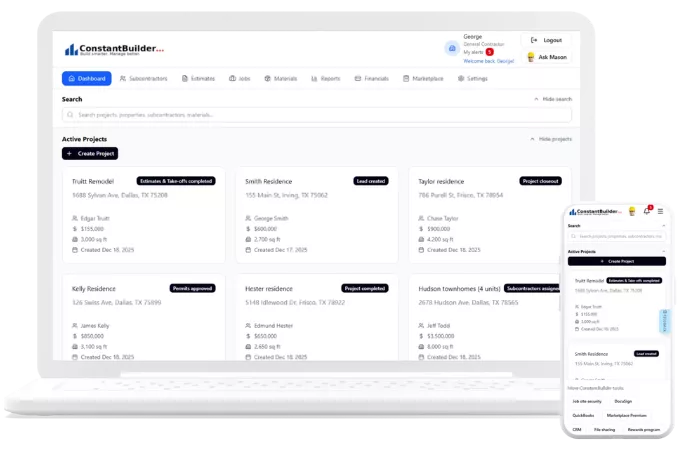
Constant Builder provides powerful construction warranty tracking software as part of its all‑in‑one platform:
-
A centralized warranty log for every project
-
Easy assignment of items to subs or internal teams
-
Due date tracking and reminders
-
Mobile access for field teams to document and close items
-
Homeowner-facing visibility so owners can see warranty progress
With warranty tracking software built into construction warranty management workflows, you can focus on building, not chasing paperwork.
FAQ
Look for affordable, simple tools that offer warranty logs, mobile access, and basic reminders. Many all‑in‑one construction platforms now include warranty tracking built in.
Contractors use a warranty log, assign items to subs, set due dates, track status, and communicate updates to homeowners using warranty tracking software.
Many modern construction warranty management platforms integrate with scheduling, budgeting, and document tools, so warranty data stays connected to the original project.
At least the length of the warranty period stated in your contract, often 1–2 years for general work and longer for specific systems like roofing or HVAC.
Yes. By clearly assigning items, tracking deadlines, and documenting work, you reduce ambiguity and make it easier to resolve responsibility issues.